

Publishing a useful blog post takes more than generating a draft. You need a topic worth covering, accurate information, a clear structure, engaging visuals and a reliable way to get the finished article in front of readers.
The right AI blogging tools can take much of that routine work off your hands. Blogi brings writing, images, SEO metadata and scheduled WordPress publishing into one workflow. Other tools help with specific jobs, from discovering audience questions to improving an introduction or promoting an article on social media.
Here are ten tools worth considering, with their current capabilities, pricing options and practical uses. Start with the tool that solves your biggest bottleneck, then add specialist tools when you need them.
Which tools belong in your blogging workflow?
For writing and publishing, start with Blogi. For additional drafting options, consider AI Collective or Rytr. AnswerThePublic helps you discover questions readers are asking, while Frase supports search-focused content planning. Sudowrite suits storytelling, Grammarly supports editing, and Buffer helps distribute finished posts. Gradio is a specialist option for developers building interactive AI experiences. Readable is a non-AI companion for checking clarity.
You do not need ten subscriptions to run a successful blog. A focused setup that takes you from a good idea to a useful published article is usually easier to manage.
1. Blogi AI Writer: A complete blogging workflow

Blogi is our first choice for bloggers who want help beyond the blank page. It combines multi-model AI writing with image creation, SEO metadata and scheduled posting to WordPress. You can define topics, keywords, tone and writer personalities, then organize work into campaigns. Manual editing lets you refine articles before publishing.
Highlights: Multilingual writing, illustrations and infographics, scheduled WordPress publishing, and campaign-based content creation. Blogi can also follow publishers for topic inspiration.
Best use: Running a consistent business blog without repeatedly moving drafts between separate writing, image and publishing tools.
Pricing: Elite Monthly is $6.99 per month, with 3,000 writing credits, three active campaigns and ten articles weekly. Elite Yearly is $67 per year, with 10,000 writing credits, ten active campaigns and thirty articles weekly. These are different packages, so choose the capacity that fits your publishing schedule.
The yearly plan works out to about $5.58 per month when paid annually, making Blogi an appealing starting point for a regular publishing workflow. Explore Blogi’s features and plans.
2. Gradio: Build interactive AI tools for your audience
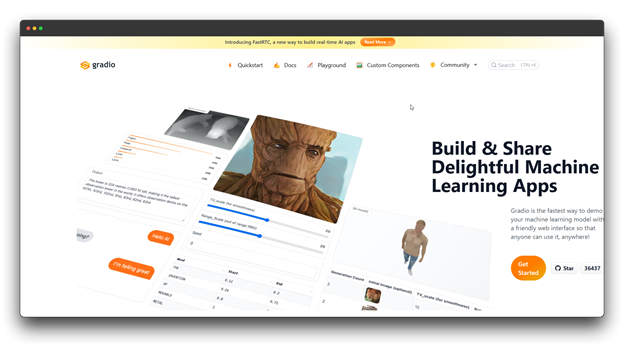
Gradio is an open-source Python library for building web interfaces around machine-learning models and other functions. It is a developer tool, rather than a ready-made blog writer or a drag-and-drop WordPress publishing service.
Its place in a blogging workflow is more specialized. A technical blogger could use it to demonstrate a model, let readers experiment with an example, or build a small tool that accompanies a tutorial. That interactive experience can make a technical explanation easier to understand.
Highlights: Python-based interfaces, support for different input and output types, and shareable applications.
Best use: Technical tutorials and custom AI experiences when you have development skills or a developer helping you.
Pricing: The open-source library is free. Hosting, model APIs and computing resources may carry separate costs.
Choose Blogi for publishing articles; choose Gradio when the article needs a working interactive demonstration. See what Gradio can build.
3. Sudowrite: Bring more life to narrative writing
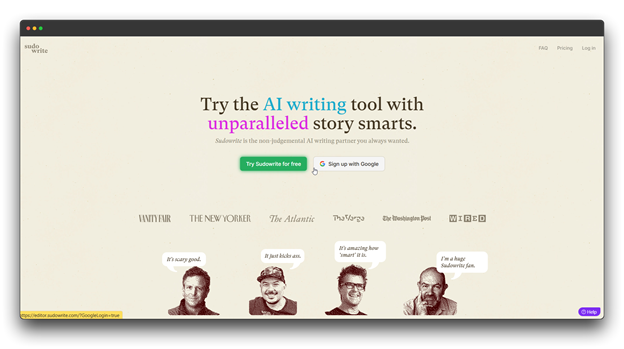
Sudowrite focuses on creative writing and fiction. Its writing, rewriting, description and expansion tools can help authors explore scenes, vary language and develop narrative ideas.
For bloggers, that makes it most relevant to storytelling: a travel introduction, a personal essay or a brand narrative that needs stronger pacing. It is less suited to being the central tool for a factual, search-driven business blog.
Highlights: Creative brainstorming, descriptive writing, rewriting and longer story development.
Best use: Improving the narrative parts of a post while keeping the underlying events and examples true.
Pricing: Hobby & Student starts at $19 per month on monthly billing, or $10 per month paid annually. Professional is $29 monthly, or $22 per month paid annually. Generation uses credits.
Use it when storytelling is central to your content. Blogi is the more direct fit when you need to take an article through images, metadata and publication. Compare Sudowrite plans.
4. AI Collective: Explore different AI approaches in one workspace

AI Collective brings multiple AI models into a single workspace for text and image tasks. For bloggers, it can help explore alternative headlines, develop outlines, rewrite passages and work with reference documents.
Its value is the ability to approach a task from more than one model or assistant. You can compare different drafts and select the structure or explanation that best serves your readers, instead of accepting the first response.
Highlights: Multiple AI models, writing and image generation, document-based assistance and reusable assistants.
Best use: Research preparation, brainstorming and editorial experimentation across different kinds of content.
Pricing: AI Collective offers credit-based plans and bundles. Check the current offer and included credits on its official site before choosing a package.
AI Collective is a broad AI workspace; Blogi concentrates on running the blog publishing workflow. They serve different needs and can complement each other. Explore AI Collective.
5. Rytr: An accessible option for short writing tasks
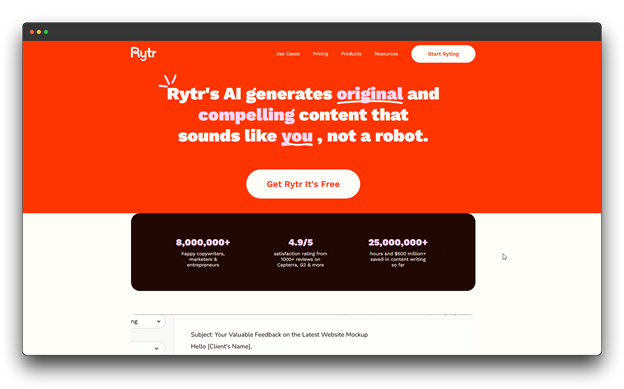
Rytr is useful for quick writing and rewriting tasks: trying different openings, producing short summaries, drafting promotional copy or changing the tone of a paragraph. Its writing features include multiple use cases and languages.
Rather than asking it to produce an entire finished article in one step, give it a narrow assignment. For example, ask for three introductions aimed at first-time business owners, then combine the strongest idea with your own experience.
Highlights: Writing use cases, tone options and multilingual generation.
Best use: Small pieces of copy and quick variations that support a larger article.
Pricing: The free plan includes 10,000 characters per month. Lite is $9 per month and lists unlimited character generation. Rytr also offers Personal and Pro plans with additional capabilities.
Rytr is a practical entry point for occasional writing help. Blogi offers a more connected route from article creation to scheduled publication. See Rytr’s current plans.
6. Frase: Plan content for search and AI discovery
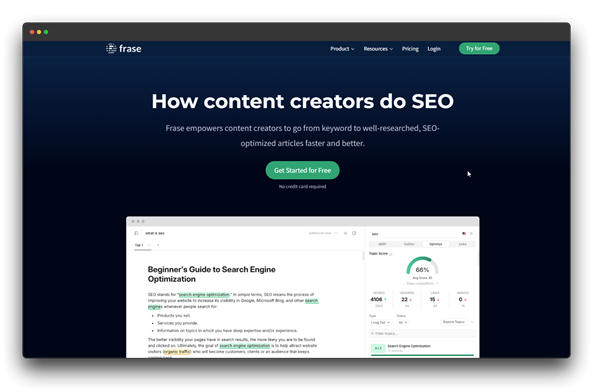
Frase now combines SEO content work with generative engine optimization, or GEO, and AI visibility features. It helps teams research, create and optimize content while monitoring how their brand appears in supported AI search experiences.
For a blogger, the practical benefit is a more organized planning and improvement process. Use research to identify gaps in an article, then answer those gaps with examples, useful explanations and evidence.
Highlights: SEO and GEO optimization, content creation, site auditing and AI visibility tracking, with features varying by plan.
Best use: Blogs that need a dedicated search-content research and optimization workspace.
Pricing: Starter is $49 per month on monthly billing, or $39 per month billed annually. It includes one seat, one site, ten articles and fifty audit pages per month.
Frase can support the research and optimization side of a Blogi workflow. Treat scores as editing guidance, rather than a promise of rankings or AI citations. Compare Frase plans.
7. AnswerThePublic: Turn audience questions into article ideas
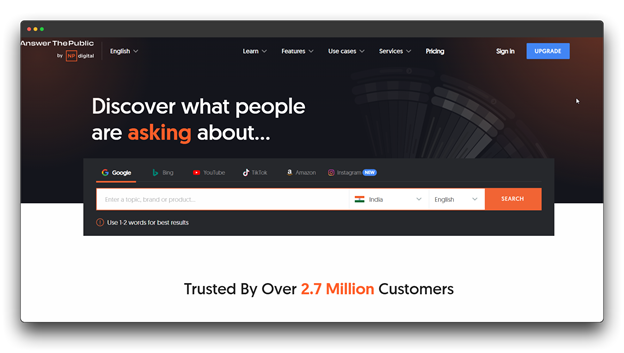
AnswerThePublic helps you explore the questions, comparisons and related searches around a topic. It has expanded beyond keyword visualizations to include AI search insights and Content Studio features for content creation and publishing.
Its strongest blogging use is still deciding what to cover. A broad subject such as email marketing can become a specific article about welcome sequences, delivery problems or choosing a tool.
Highlights: Question and keyword discovery, search listening, AI insights and content creation features.
Best use: Building an editorial calendar around recognizable reader needs.
Pricing: Starter currently advertises $10 per month billed yearly, with 100 monthly searches and up to six AI articles. Growth and Business offer higher limits. Content generation uses a separate credit allowance.
Choose a focused question here, then develop an original answer in Blogi. Avoid turning every suggested keyword into a separate, nearly identical article. View AnswerThePublic plans.
8. Readable: Check whether your draft is easy to understand
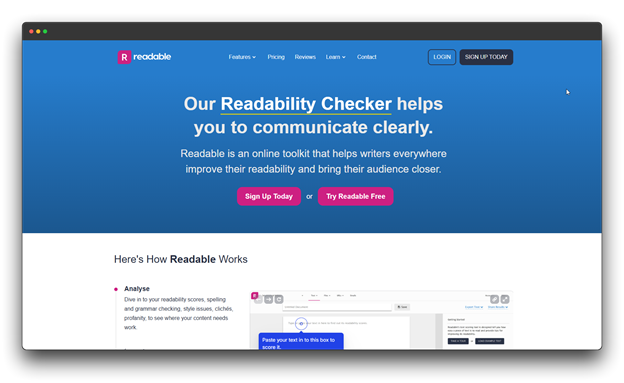
Readable deserves a precise description: it is a readability analysis tool, and its own documentation says it does not use AI or large language models. It can still be a useful companion when editing AI-assisted articles.
Use it to spot passages that may be too difficult for your audience. Readability feedback can prompt you to shorten a sentence, explain unfamiliar terminology or split a dense paragraph.
Highlights: Readability scoring, spelling and grammar checks, with website analysis available on relevant plans.
Best use: Reviewing clarity before you publish.
Pricing: ContentPro’s annual option is listed at $48 per year. Compare the billing options on the official pricing page when selecting a subscription.
A score is a useful signal, but your reader’s understanding is the real test. Preserve necessary technical detail and improve the explanation around it. Explore Readable.
9. Buffer: Give each article more opportunities to reach readers
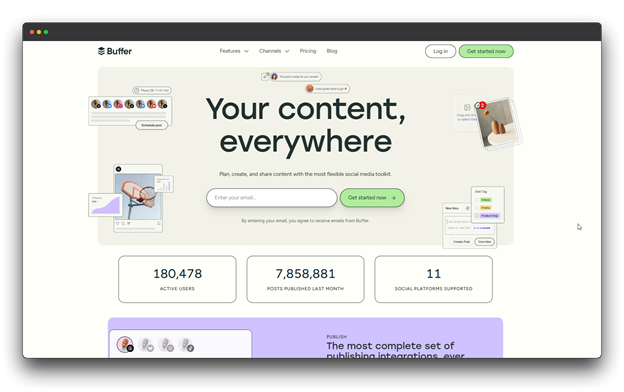
Buffer helps with the distribution stage of blogging. You can plan social posts, schedule them across connected channels and use its AI Assistant to create, refine or repurpose copy.
Instead of sharing the same headline repeatedly, turn one article into several useful posts: a practical tip, a common mistake, a short example and a question that invites discussion.
Highlights: Social scheduling, an ideas library, AI-assisted copy and analytics, with collaboration features on Team.
Best use: Building a repeatable promotion routine after an article goes live.
Pricing: Free supports up to three channels and ten scheduled posts per channel. Essentials starts at $5 per channel per month billed yearly; Team starts at $10 per channel per month billed yearly.
Blogi handles article creation and WordPress publishing; Buffer helps you distribute the finished work through social channels. Budget by the number of connected channels. Compare Buffer plans.
10. Grammarly: Polish the final draft
Grammarly helps improve grammar, clarity and tone. Its advanced writing suggestions and sentence rewrites make it a useful final editing layer for AI-assisted blog content.
The best approach is selective editing. Accept changes that make the meaning clearer, but keep the distinctive language and point of view that make the article yours.
Highlights: Grammar and spelling assistance, tone suggestions and advanced rewrites on paid plans.
Best use: Polishing a completed draft before publication.
Pricing: A free option is available. Standard Grammarly Pro pricing is $30 per member per month, or $144 per member per year, equivalent to $12 monthly on annual billing.
Grammarly can improve the expression of a claim; you still need to check whether the claim itself is correct. Pair it with your editorial review after drafting in Blogi. See Grammarly’s plans.
A practical workflow from idea to published article
Start with one reader and one problem. Write down who the article is for and what they should be able to do after reading it. A clear brief makes every tool more useful.
Gather the facts before drafting. Collect product documentation, current prices, examples and relevant first-hand experience. Separate verified details from ideas you still need to investigate.
Create a structured draft in Blogi. Specify the topic, audience, tone and key points. Review the outline before expanding it, then add examples that come from your own work.
Edit for usefulness. Remove repetition, unsupported statistics and generic introductions. Check links, product names, image relevance and the call to action. Use a specialist editing tool where it saves you time.
Publish and promote. Finalize the headline and metadata, schedule the article, and prepare a few social posts that each offer a distinct reason to read it.
What matters for AI blogging and SEO now?
Google’s guidance recognizes generative AI as useful for research and structure. It also warns that producing many pages without adding value can violate its scaled content abuse policy. The practical priority is accuracy, relevance and original value.
Build articles around useful answers, not a target number of AI-generated words. Include examples readers cannot get from a generic summary, verify factual claims and check metadata as carefully as the body copy. Read Google’s guidance on generative AI content.
Search and AI visibility tools can help you discover weaknesses, but no content score guarantees traffic. Monitor impressions, clicks, engaged visits and meaningful actions such as signups. Also track the total time spent on research, drafting, editing and publishing; faster generation only helps if the finished article is worth reading.
Build a smaller tool stack that gets more done
The strongest blogging setup is the one you will use consistently. Begin with a tool that handles your core work, then add specialist research, editing or distribution tools when a specific need appears.
Blogi is our recommended foundation because it connects article writing, visuals, SEO metadata and scheduled WordPress publishing. Its $67 yearly package also makes it an affordable way to build a regular publishing habit.
Give it a focused topic, bring your own expertise to the draft and turn the result into content your audience can use. Get started with Blogi AI Writer.